Livestream a Christmas Eve Service: A 4-Week Checklist
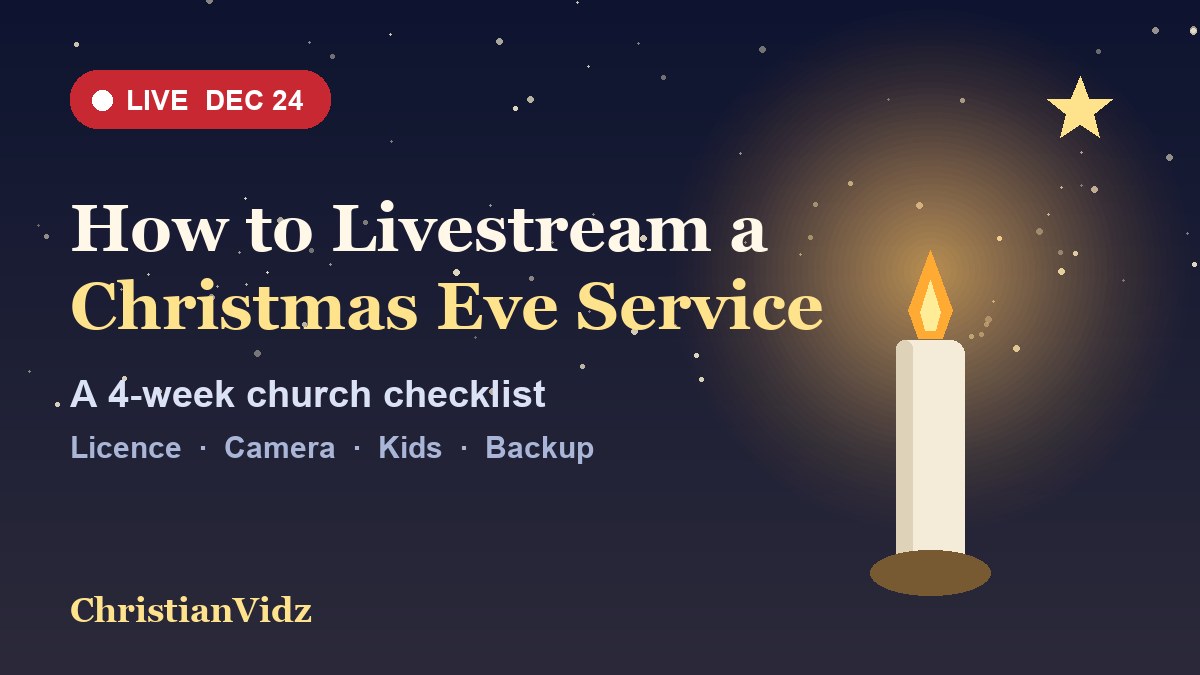
The short answer: to livestream a Christmas Eve service well, start four weeks out, not four days. Christmas Eve 2026 falls on a Thursday, and Advent begins on Sunday, November 29, which gives your team exactly four Sundays to rehearse the stream, settle your music licence, decide who may appear on camera and test a backup. The tools are the same ones you use every week; what changes on December 24 is the pressure: more first-time viewers, children on stage, candles, extra songs and a service that cannot be redone.
This is a planning checklist, not a camera tutorial. If you still need the basic kit and YouTube settings, start with our guide to how to live stream a church service and our comparison of church live streaming software, then come back here to plan the one service your online visitors are most likely to watch. Prices and terms below come from each provider’s own pages, checked on November 1, 2026.
Week 1 (by Sunday, November 29): decide what you are streaming
Christmas Eve is rarely one service. Write down every gathering on December 24 and decide, for each, one of three outcomes: live stream it, stream it as a replay, or do not stream it. A family-friendly early service and a late candlelight service often have different audiences online, and your volunteers cannot run four streams in one evening.
- One main stream: pick the service you most want guests, travellers and housebound members to see, and put your best team on it.
- Scheduled, not surprise: YouTube lets you create a scheduled stream in the Live Control Room, so you can share the link a week ahead rather than hunting for it on the night.
- A pre-recorded option: the free Church Online Platform lists “live or simulated live services” among its features, which means you can record a service in advance and publish it at a set time, with your team chatting and praying with viewers as it plays. That is a sensible choice for a small team that would rather be in the room.
Also confirm the date and time people will see. If your online audience includes relatives in other countries, show the start time with a time zone in every invitation.
Week 1: settle the music licence before you pick the songs
Christmas music is where churches most often trip over copyright, because the set list changes and a carol arrangement can be newer than the carol. CCLI’s Streaming License summary spells out the rules, and the ones that matter for December 24 are these:
- Live is covered; recordings are not. The Streaming License covers songs played live by your church musicians in church services. Streaming artist or record-label recordings is listed as not permitted. If a track will play during your stream, the Streaming Plus License extends cover to master recordings and multitracks, with reporting required.
- Charged or donation-required events are excluded. The summary says songs performed at concerts or special events held at the church where a charge, including donations, is required for attendance are not covered. If your church sells tickets to a Christmas concert, do not assume the stream is covered; ask CCLI before you go live.
- Validate each song. CCLI tells licensees to identify the song’s publisher and check that catalog against its Streaming License covered-catalogs list. A song being famous does not mean it is covered.
- Credit the songs. The summary asks for the song title, writer credits, copyright notice and your licence number, shown at the start of each song or in the video description.
- Do not block ads. You may not block advertising placed on a video on behalf of a song owner, and the licence does not override a platform’s own takedown rules.
CCLI lists Streaming License prices from $84 a year for churches already licensed with CCLI, or $108 for an average church of 100–199 people. For the full comparison, see our guide to the CCLI Streaming License. Many traditional carols are old enough to be in the public domain, but a modern arrangement or a recording of one is a different work with its own rights, so validate the version you actually use.
Week 2: check the YouTube account that will carry the stream
YouTube’s help page says you need no live-streaming restrictions in the past 90 days and a verified channel before you can go live. Verify the channel now, while you have time to fix a problem, and have a second adult with manager access in case the first person is sick on December 24. Two further rules are easy to miss:
- You must be at least 16 to live stream from your own channel, so the person starting the stream should be an adult volunteer, not a teenager on the media team using their personal account.
- Streams default to both horizontal and vertical. When you stream from the Live Control Room, YouTube goes live in 16:9 and 9:16 together; the vertical version is a centre crop of the horizontal one. Frame the stage so the pulpit or nativity scene survives that crop.
If your team has never used encoder software, this walkthrough covers the OBS side. It is a third-party tutorial, not an endorsement of any product.
Week 3: plan the service for the camera
- Candlelight: candles lower the light and most cameras struggle. Run a rehearsal with the real candles and lights dimmed, and decide whether a few stage lights stay on for the stream.
- Children and families: decide before the night who may be on camera. Ask parents for permission for any child who appears, and keep wide shots for the nativity. YouTube’s child safety policy has a section on content featuring minors; read it before you stream a children’s pageant.
- Welcome the new viewer: add a 20-second welcome at the start that says who you are, where you meet and how to find the next service. Christmas Eve brings people who do not know your church.
- Countdown and slides: prepare a five-minute pre-service countdown and clean lyric slides. See our guide to worship videos for church for where churches get licensed backgrounds, and check that the licence covers online use.
- Give viewers something to do: a prayer request link, an invitation to January’s first service, or a way to say hello. The Church Online Platform lists live prayer requests and customisable calls to action for that purpose.
Week 4 (December 14–20): full dress rehearsal
- Run the whole service as a private or unlisted test on the same internet connection, camera and laptop you will use on the night.
- Test audio on a phone. Many viewers will watch on one, with the speaker at arm’s length. Compare the stream with the room mix.
- Name a backup: a second device that can start a stream, a second person who can restart it, and a decision about who pulls the plug if the main feed fails.
- Print the run sheet with song credits, licence number, start times, and who is on camera, audio and chat.
- Plan the replay: after the live service, keep the video available so people who were travelling can watch Christmas morning. Our guide to worshipping from home explains what online viewers look for.
On the night: a short checklist
- Arrive 90 minutes early and start the stream 15 minutes before the service for a countdown.
- Show the song credit or put it in the description before each carol.
- Assign one person to chat, not the person running the camera.
- Do not change settings during the service.
- Post the replay link and thank your team the next morning.
If you want people to watch other churches as well, our list of church live streams to join online and our guide to Christmas Christian videos and songs are good places to send your own viewers afterwards.